Account Billings Management#
Introduction#
The Account Billings Page provides users with the ability to oversee and control various aspects of their accounts, including personal information, subscription details, and security settings. This page is designed to offer a centralized and efficient way to manage all account-related tasks.
1. Billing Information Section#
This section allows users to manage their billing details. The following fields are available:
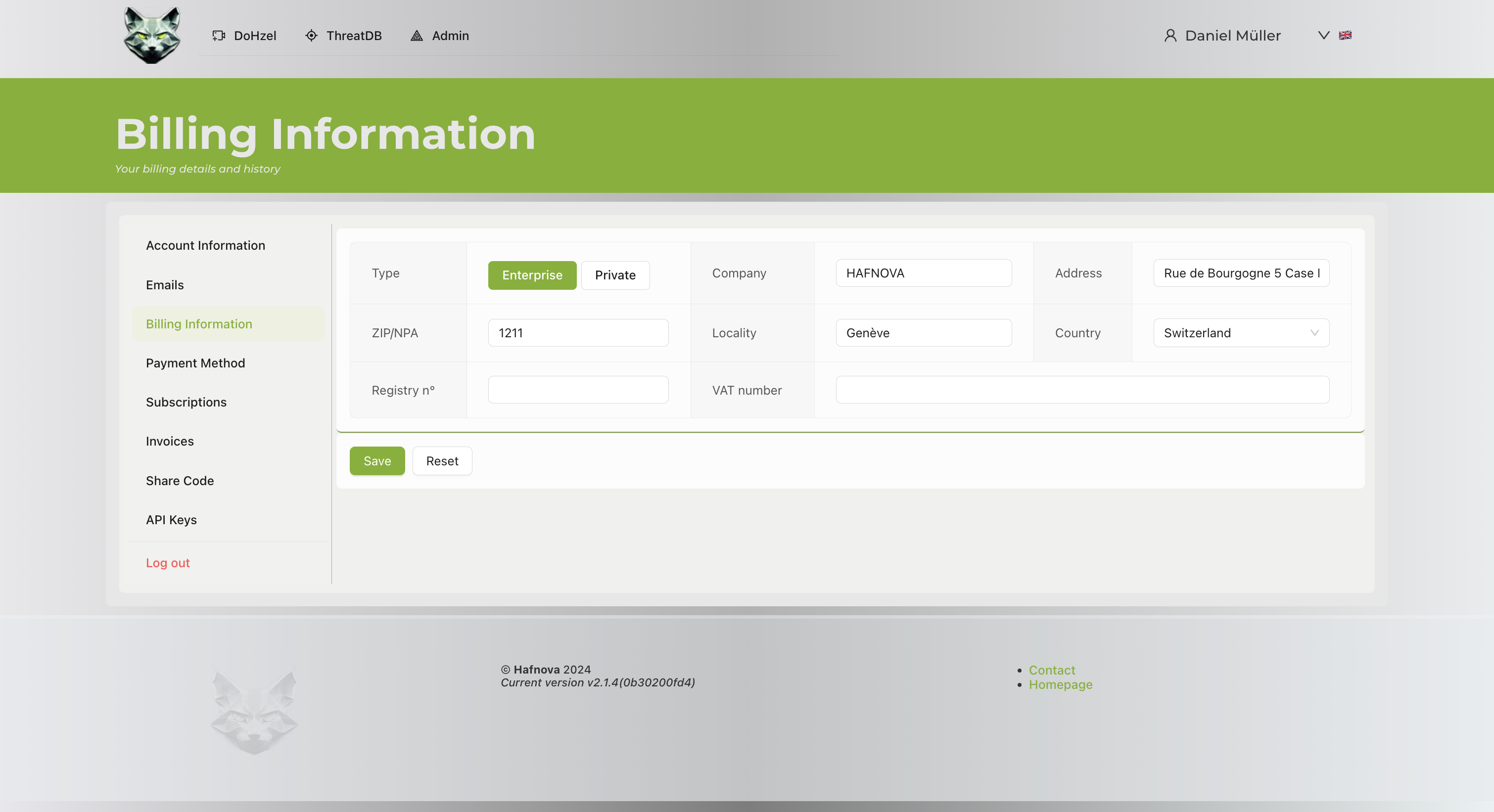
- Type: Select between Enterprise and Private billing types.
- Address: Enter the billing address.
- ZIP/NPA: Provide the postal code for the billing location.
- Locality: Specify the locality or city.
- Country: Select the appropriate country from a dropdown menu.
2. Action Buttons#
The following buttons are available for user actions:
- Save: Save changes made to the billing information.
- Reset: Clear changes and revert to the previously saved state.
User Actions#
Updating Billing Information#
- Navigate to the Billing Information section.
-
Fill in or update the following fields:
-
Type: Choose the billing type (Enterprise or Private).
- Address: Provide the billing address.
- ZIP/NPA: Enter the postal code.
- Locality: Specify the city or locality.
- Country: Select the country from the dropdown menu.
- Click Save to confirm the changes.
Resetting Changes#
If you make changes by mistake or want to revert:
- Click Reset to clear unsaved changes.
Footer Information#
The footer contains:
- Version Information: Displays the current system version.
- Contact and Homepage Links: Quick access to contact support and the system homepage.
Additional Notes#
- Ensure accurate entry of billing details to avoid payment processing issues.
- Selecting the correct Type (Enterprise or Private) ensures proper invoicing and tax calculations.
- Double-check postal and address information to ensure proper correspondence.