Share Code Management#
Introduction#
The Share Code Page allows users to generate and manage unique share codes. These codes enable users to identify themselves within the Hafnova system and share their console access securely with other Hafnova users.
1. Share Code Section#
This section provides users with a generated share code, which can be used for identification and access sharing.
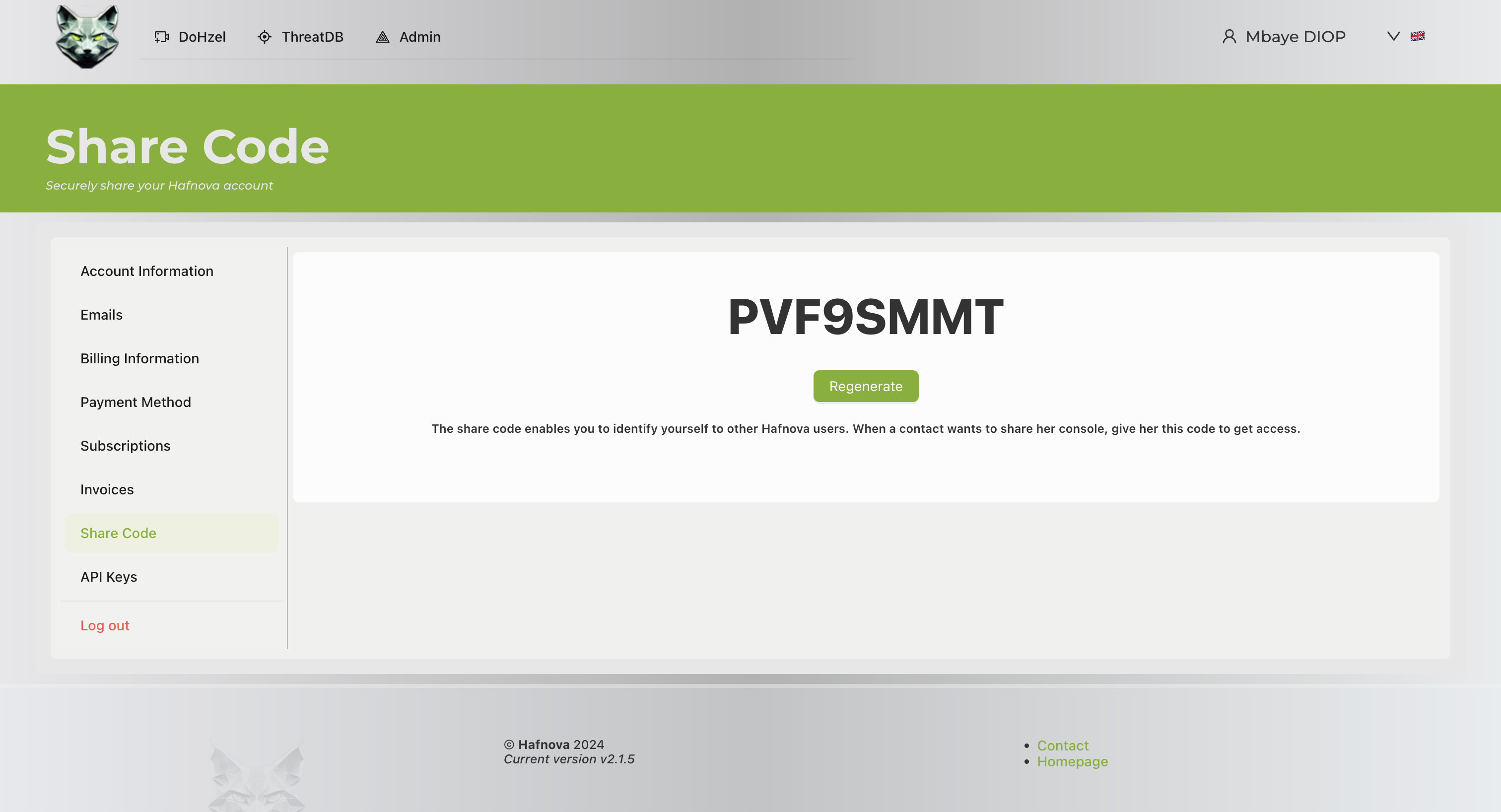
- Generated Code: Displays the current share code assigned to the user.
- Regenerate Button: Allows users to generate a new share code if needed.
2. Action Buttons#
The following actions are available for users:
- Regenerate: Generates a new share code, invalidating the previous one.
User Actions#
Viewing Share Code#
- Navigate to the Share Code section.
- View the displayed share code, which can be provided to other users for identification and access.
Regenerating a Share Code#
- Click on the Regenerate button.
- A new share code will be generated, replacing the previous one.
- Share the updated code with the intended contact.
Footer Information#
The footer contains:
- Version Information: Displays the current system version (2.1.5).
- Contact and Homepage Links: Quick access to support and homepage.
Additional Notes#
- A share code is unique to each user and should be kept secure.
- Regenerating a share code will invalidate the previous code, requiring users to share the new one.
- The share code does not replace standard authentication and should be used only for identification purposes within the system.